
Starting Your Medicare Courses
- VTR Learning
- May 1, 2017
- 1 min read
Our Medicare courses have the table of contents, supplemental materials, and quizzes contained within the viewer.

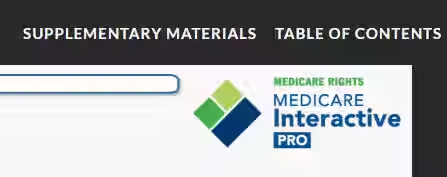
To open the Table of Contents, locate "Table of Contents" in the upper right-hand corner of the viewer. Upon clicking, a dropdown menu will appear, and from this menu, you may click any section within the course to be directed there.

To progress within the course, you will need to use the "Prev and Next" directional arrows in the lower right-hand corner.

Supplemental Resources will be mentioned throughout various points of your course, to access these materials locate "Supplemental Materials" in the upper right corner of the viewer. Upon clicking, a dropdown menu will appear and then click the resources you wish to access.
Now let's go over a few course navigation tips.
At different points throughout your course, you will have opportunities to interact with various elements by clicking on them to learn more or to complete an activity.

You will also have quizzes called the "Fast Five" in which you are asked to answer multiple-choice and true or false questions. These quizzes also act as practice for the assessments that follow.

Assessments consist of 10 questions, all pertaining to the module you just completed.





Comments